TL;DR
The UI/UX design process in 2025 encompasses these key steps:
User Research: Gather insights into user needs and behaviors.
Define Objectives and Ideation: Set design goals and brainstorm solutions.
Information Architecture: Organize content for intuitive navigation.
Wireframing: Create low-fidelity layouts of the interface.
Visual Design: Develop the aesthetic elements of the interface.
Prototyping: Build interactive models to simulate user interactions.
Testing and Iteration: Evaluate and refine the design based on user feedback.
Implementation: Collaborate with developers to build the product.
A structured UI/UX design process isn't optional anymore. Whether you're building a new app or redesigning a website, skipping steps leads to expensive rework and products that miss the mark.
The process below covers 10 stages, from initial research through post-launch optimization. Each stage has a clear purpose, and each one feeds into the next. Skip one and you'll feel it later.
1. User Research
Objective: Understand your target audience's needs, behaviors, and pain points.
Activities
- Interviews and Surveys: Qualitative insights from open-ended conversations, quantitative data from structured surveys. These reveal what users actually want versus what you assume they want.
- Observation and Field Studies: Watch how users interact with similar products. Focus on where they struggle and where they succeed.
- User Personas: Distill your findings into data-driven personas that capture demographics, goals, and frustrations. These keep the entire team aligned on who you're building for.
Outcome: Clear user insights that inform every design decision going forward.
2. Define Objectives and Ideation
Objective: Turn research into actionable design goals.
Activities
- Translate Pain Points into Goals: "Users get confused at checkout" becomes "Reduce checkout abandonment by simplifying the flow."
- Ideation Sessions: Brainstorm solutions using techniques like mind mapping or "How Might We?" questions. Quantity over quality at this stage.
Outcome: A focused set of design objectives and a pool of potential solutions to validate.
3. Information Architecture
Objective: Organize content so users can find what they need without thinking.
Activities
- Sitemaps: Define page hierarchy and relationships. Every critical section should be reachable in minimal clicks.
- User Flows: Map the paths users take to complete key tasks - onboarding, purchasing, finding information.
Outcome: A logical content structure that supports smooth, intuitive navigation.
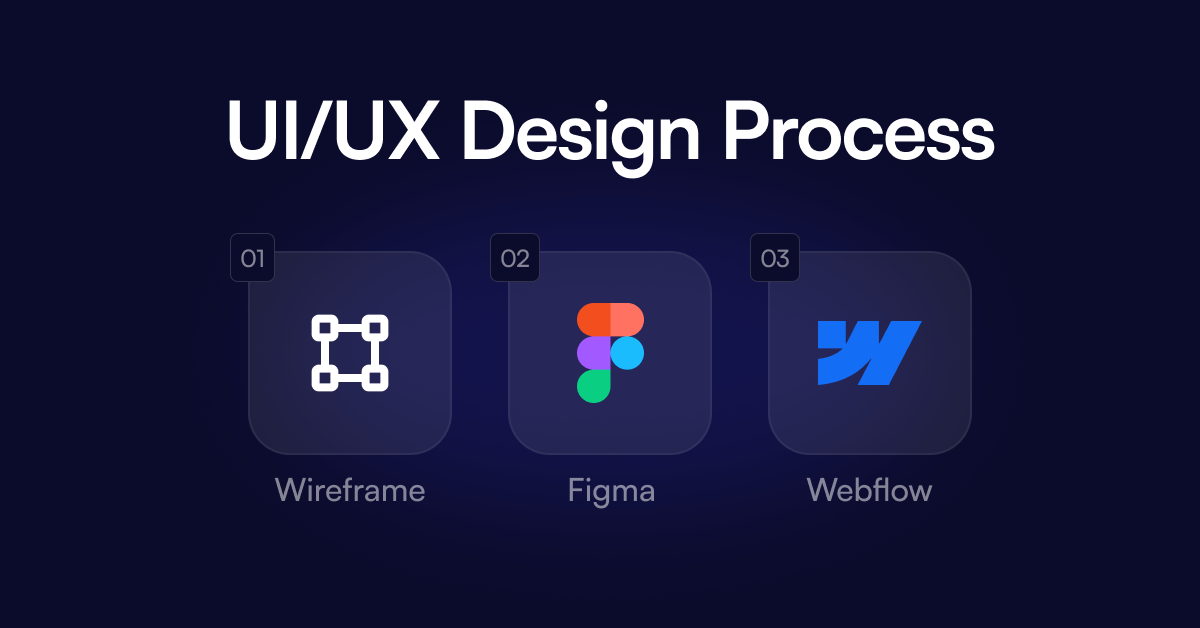
4. Wireframing
Objective: Create low-fidelity layouts focused on structure, not aesthetics.
Activities
- Rough Layouts: Sketch basic wireframes showing where key elements live. Don't worry about colors or fonts yet.
- Stakeholder Review: Share wireframes early and iterate based on feedback. It's much cheaper to move a button in a wireframe than in a finished design.
Outcome: Approved layout blueprints that establish the foundation for visual design.
5. Visual Design
Objective: Create the look and feel of the interface.
Activities
- Style Guides: Define colors, typography, iconography, and brand elements. Consistency across every screen matters.
- High-Fidelity Mockups: Apply branding and refined layouts to give stakeholders a near-final visual preview.
Outcome: A polished, cohesive interface that aligns with brand identity and user expectations.
6. Prototyping
Objective: Build interactive models that simulate the real experience.
Activities
- Interactive Prototypes: Use tools like Figma or Webflow to create clickable prototypes. The closer to real, the better your testing data.
- Internal Testing: Have team members and stakeholders walk through the prototype. Catch obvious issues before user testing.
Outcome: Realistic simulations ready for user testing and feedback.
7. Usability Testing and Iteration
Objective: Validate the design with real users and fix what isn't working.
Activities
- Usability Testing: Watch real users complete key tasks. Record where they hesitate, get confused, or give up.
- Prioritize Fixes: Focus on recurring problems and high-impact issues first. Not everything needs fixing before launch.
Outcome: A validated, user-tested design that addresses critical usability gaps.
8. Implementation
Objective: Hand off to development and maintain design fidelity.
Activities
- Design Handoff: Provide developers with clear specs, annotations, and style guides. Ambiguity here costs time.
- Ongoing Communication: Stay in close contact during development. Questions will come up, and quick answers prevent drift from the original vision.
Outcome: A functional product that matches the approved design.
9. Launch
Objective: Ship it.
Activities
- Deploy: Push to production. Whether it's a website or an app, make sure your deployment process is tested.
- Monitor: Track load times, conversion rates, error rates, and user engagement from day one.
Outcome: A live product in front of real users, generating real data.
10. Post-Launch Evaluation
Objective: Measure success and plan what's next.
Activities
- Collect Feedback: Use support channels, surveys, and analytics to understand how users experience the product in the wild.
- Analyze Metrics: Bounce rates, task completion times, engagement patterns. Let the data tell you what's working.
- Plan Improvements: Build a roadmap for updates based on user needs and business goals. The product is never truly "done."
Outcome: A continuous improvement cycle that keeps your product relevant and effective.
Quick Summary
The UI/UX design process follows a clear arc: research what users need, define your goals, structure the content, wireframe and design the interface, prototype and test it, then build, launch, and keep improving.
Every stage builds on the last. The teams that follow this process consistently ship better products and waste less time on rework.
If you're working on a digital product and want a team that lives this process, Nexus Creative is here to help. Whether you need strategic guidance or a fully managed project, we'd love to hear what you're building.